Make your video files easier to store, share, upload, archive, and play on the devices and platforms that matter to you. At HighBeamCreation, we provide professional video file format conversion services for clients who need a more practical, compatible, or storage-efficient version of their media.
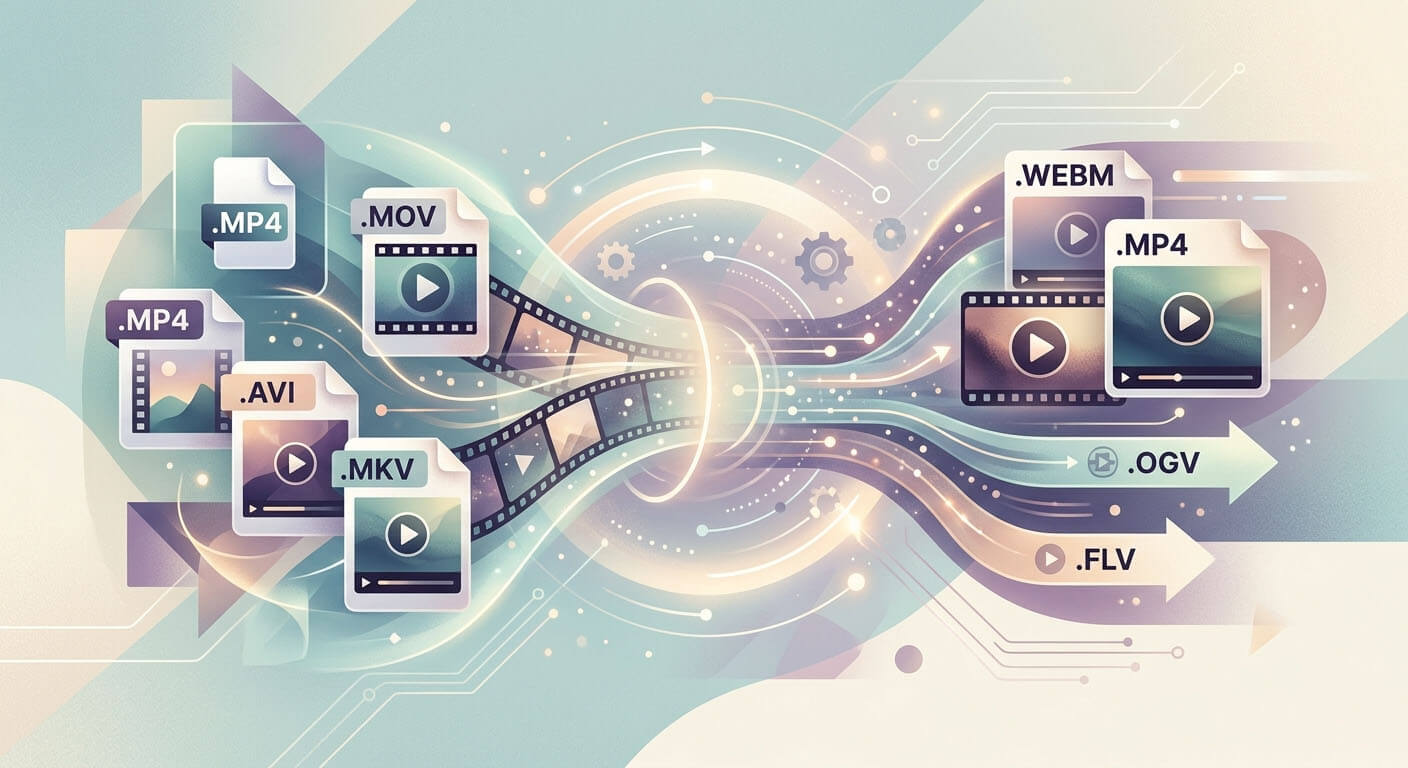
This service is especially useful when your original video file is too large for convenient storage, too heavy for online transfer, or not well suited for the device, application, or platform you want to use. We help convert video files into more suitable formats while keeping the result aligned with your purpose, whether that is lighter storage, smoother playback, easier upload, or broader compatibility.
Why File Conversion Can Be Useful
Video conversion is not only about changing a file extension. In many cases, it is a practical way to reduce storage demand, improve workflow, and prepare media for real-world use. A more efficient output can help lower the space required on local hard drives or cloud storage, which may also help reduce long-term storage cost for frequently stored or archived media.
Conversion can also help when a file does not play properly on a target device, when an editing or presentation platform prefers a different format, or when a video needs to be prepared for streaming, website use, or delivery to clients. Different systems often prefer different containers and codecs, and some common recommendations today still center on MP4 with H.264 video and AAC audio because of its broad compatibility across platforms and applications.
Common Video Conversion Needs We Can Support
Our video format conversion service can support a range of practical use cases, including:
- Converting large source files into smaller, more storage-friendly deliverables
- Preparing videos for internet upload with lighter bitrate settings
- Converting files for smoother playback on phones, tablets, TVs, laptops, and presentation systems
- Creating versions better suited for editing, sharing, review, or archiving
- Converting media for website playback or online content delivery
- Preparing files for disc-based delivery or media-player compatibility where required
Common File Conversion Cases
Below are some of the most common conversion scenarios seen across digital media workflows:
1. MOV to MP4
A common case when footage recorded or exported in MOV format needs broader compatibility for upload, sharing, or playback in apps and devices that more easily accept MP4. Apple specifically notes MOV-to-MP4 conversion as useful when a file needs to be uploaded to websites or opened in apps that do not support MOV.
2. AVI to MP4
Often used when older AVI files need a more modern, widely supported format for web delivery, mobile playback, and general file sharing. MP4 remains one of the most commonly used container formats in modern workflows.
3. MKV to MP4
Useful when a Matroska file plays well in some environments but a simpler MP4 deliverable is preferred for wider compatibility with common players, presentation tools, or customer delivery. Android documentation shows MKV and MP4 are both used, but support can vary by codec and device generation.
4. WMV to MP4
Helpful when Windows-oriented source files need to be shared more broadly across modern devices, websites, or mixed operating-system environments. Windows Media Player supports WMV, while many cross-platform workflows now favor MP4.
5. MTS or M2TS to MP4
A practical case for footage originating from camcorders or AVCHD-style recordings that needs easier playback, upload, or editing handoff in a more familiar MP4 format. Apple Motion lists MTS/M2TS among supported import containers, and Sony lists M2TS/MTS among supported media-player formats.
6. MP4 to WebM
Often considered when creating lighter web-oriented versions for HTML5 playback or browser-focused delivery. Adobe notes that WebM and HTML5-oriented formats are useful for website embedding because they are relatively small and stream easily.
7. MP4 or MOV to DVD/Blu-ray Delivery Formats
For disc-based use, the required output may differ from a normal web or mobile file. Adobe notes MPEG-2 as the standard route for DVD delivery, while Blu-ray workflows commonly involve MPEG-2 or H.264. Sony also lists Blu-ray playback support for common codecs including MPEG-2 and MPEG-4 AVC/H.264.
Bitrate Conversion for Practical Use
In many projects, the real need is not only format conversion but also bitrate optimization. This can be very useful when you want a lighter file for internet upload, email delivery, review copies, or storage savings. Lower-bitrate versions can reduce file size significantly, while higher-bitrate masters can be kept for archiving or premium playback.
Platform guidance also shows that bitrate settings are often adjusted based on destination. For example, YouTube provides recommended upload settings using MP4, H.264, and variable bitrate, while Vimeo publishes compression guidance and playback bitrate targets for different resolutions. This reflects a common real-world need: one source file may need different output versions for different purposes.
Examples of bitrate-focused deliverables include:
- lightweight files for quick internet upload
- lower-size preview copies for customer review
- balanced files for website embedding
- higher-quality versions for local playback or archive retention
- presentation-friendly files for meetings, PowerPoint, or internal review
Microsoft also recommends MP4 with H.264 video and AAC audio for PowerPoint, which is a good example of how conversion is often driven by the needs of the target application, not only by the original source format.
Conversion for Device and Platform Compatibility
Different devices and software environments do not always support the same combinations of container, codec, and bitrate. Apple notes that some older or specialized media files may not open on Apple devices, and Android’s supported-format documentation shows that compatibility depends on both the container and the codec, with support differing by Android version and device capability.
That is why conversion is often needed for:
- smartphone playback
- tablet playback
- smart TV or media box playback
- in-store display systems
- website and social media upload
- presentation software
- client delivery in a more accessible format
Sample Deliverables for Review
To support your decision before a full conversion project, we can prepare sample deliverables based on your source media. This allows you to review file size, playback behavior, visual quality, and overall suitability before proceeding with a larger batch or full-range conversion request.
If needed, we can also support comparison versions so you can review how different output settings affect size, compatibility, and quality.
Start with HighBeamCreation
If you are looking for a practical way to reduce video file size, improve compatibility, or prepare media for a specific platform, device, or storage purpose, we would be pleased to hear from you. HighBeamCreation can help review your source file and propose a more suitable output for the way you actually want to use it.
Share your file or requirement with us to get started.
Contact us to discuss your video conversion project.